⇢ Information
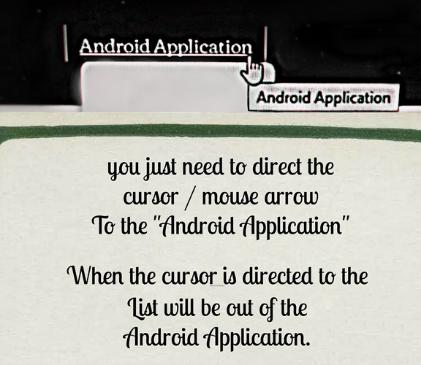 1. You just need to direct the cursor / mouse arrow To the "Android Application" When the cursor is directed to the "Android Application" List will be out of the Android Application.  | 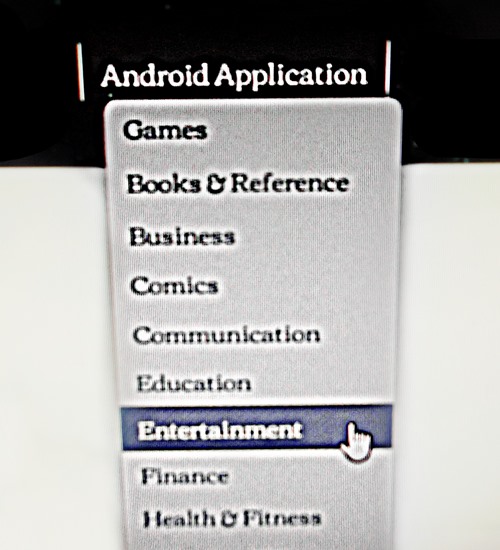 2. Then, after you direct cursor to Android Application., out list of the "Android Application.". You choose one of the existing list! or CLICK select one of the List, So, you can immediately see and get it the Android Application! |
Note : If You want to be more easily You go back to Menu / Home,
You can select the list of "Android Application."
You can select the list of "Android Application."
